
How to Use Boxbid's Community Feed and Its Three Fan Rooms (Yes, They Have Mics)


By The Kimster
Update, Oct 26: the Arenas are now called Fan Rooms and live at boxbid.io/rooms (old /arena links still work). The Main Event Arena is now the Main Event Lounge.
Boxbid has two ways to talk boxing: the community feed and the Fan Rooms, which are live rooms where you show up as your own cartoon boxer.
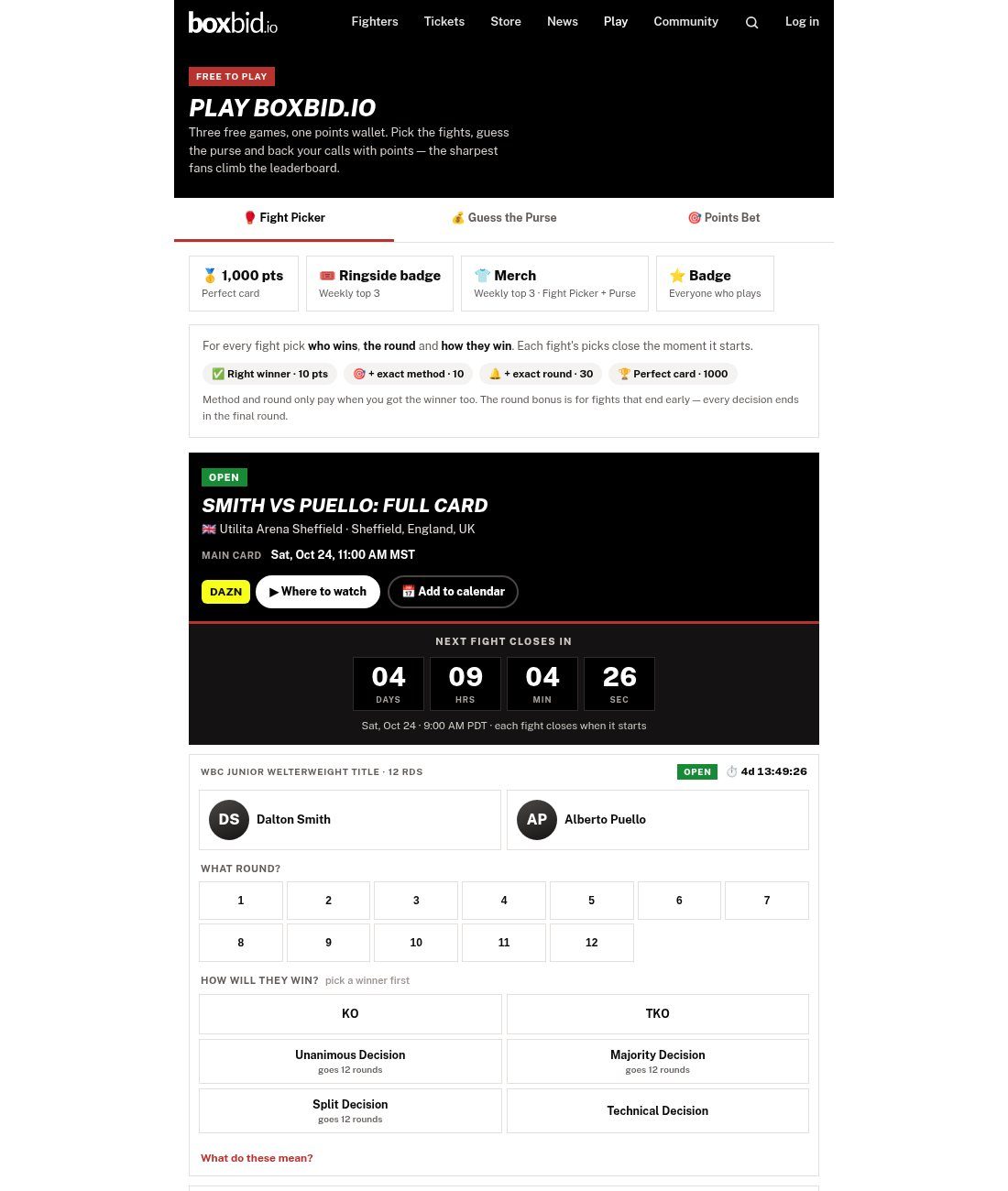
 From boxbid.ioPlay Fantasy Boxing, freePick every fight on the card. Win points and the weekly Ringside badge.
Play
The community feed, step by step
- Create an account at /register, or log in. You can read the feed without logging in, but posting, liking and commenting need an account.
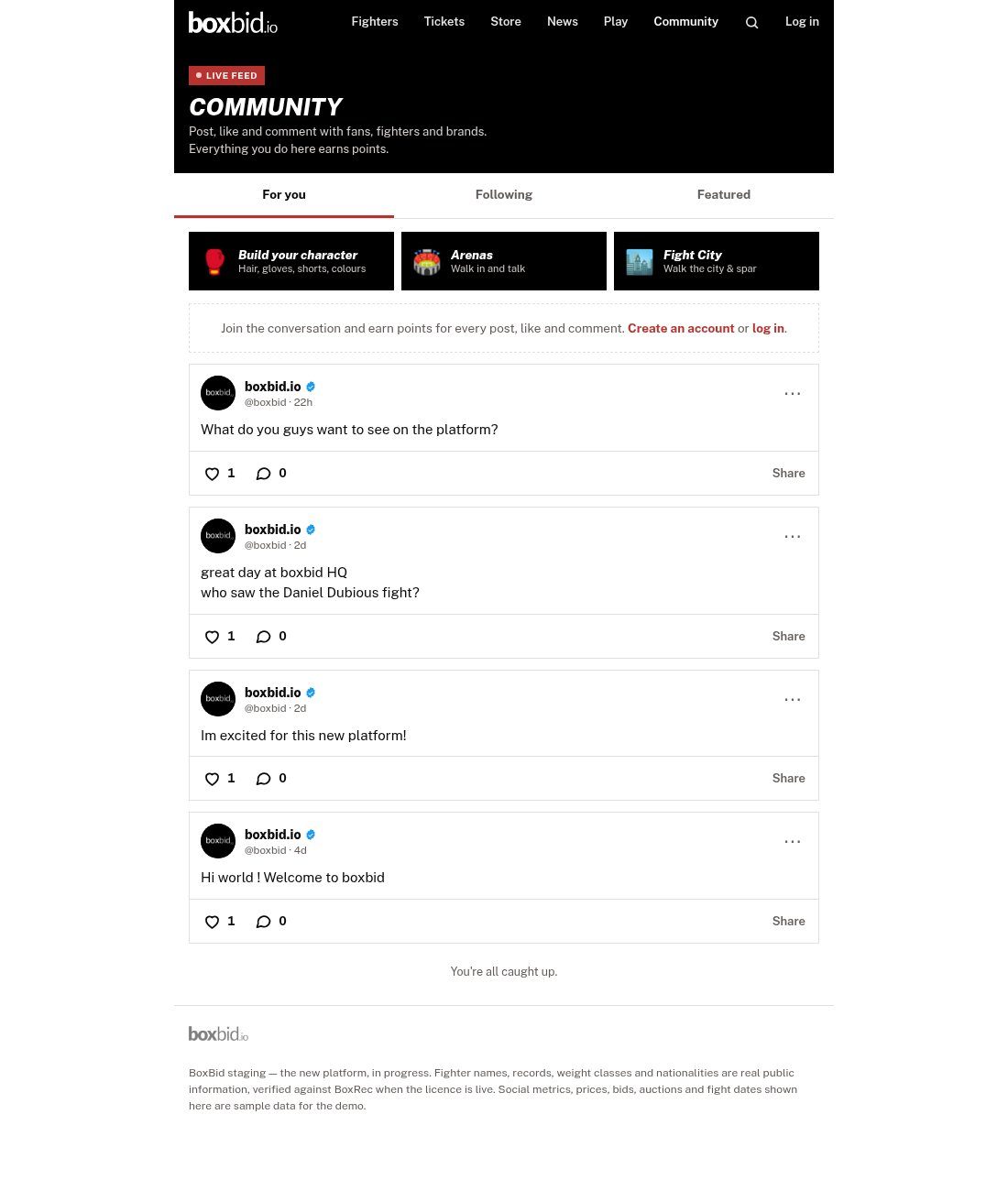
- Post. The page's own pitch is "Post, like and comment with fans, fighters and brands. Everything you do here earns points." Points from the community count toward its own tab on the leaderboard.
- Add to your story. Stories stay up for 24 hours, and videos can run up to 60 seconds. Viewers can react with emojis and comment.
- Pick a tab. "For you" is the main feed, "Following" shows people you follow, and "Featured" is posts the Boxbid team pins.
- Profiles live at /u/handle. The official account is @boxbid.
The feed is young. Right now it holds four posts, all from @boxbid, including "What do you guys want to see on the platform?" That's a real question, so go answer it.
The Fan Rooms: Boxbid's chat rooms
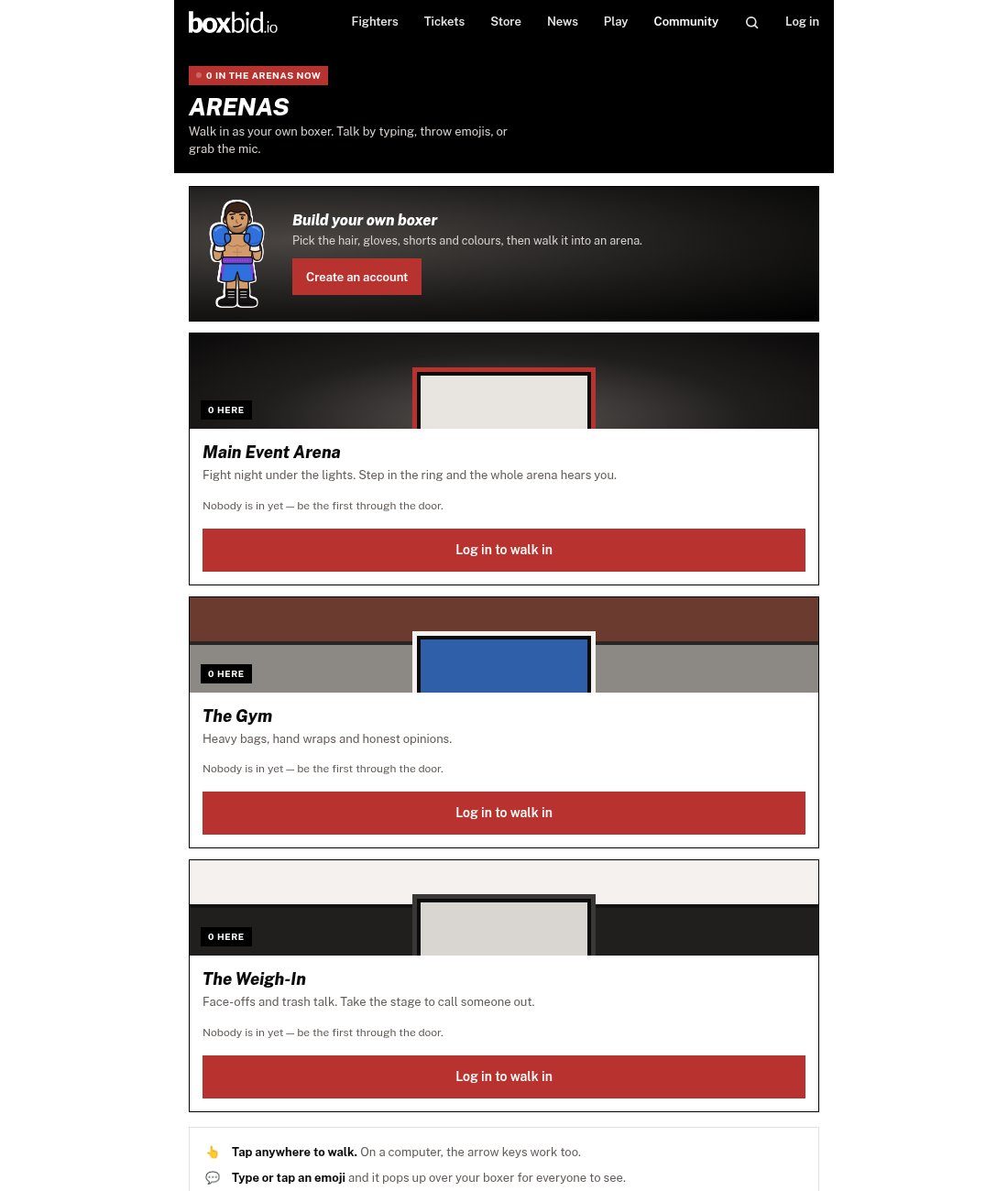
There are three fan rooms, and here's how the site describes each one: - Main Event Lounge: "Fight night under the lights. Step in the ring and the whole room hears you." - The Gym: "Heavy bags, hand wraps and honest opinions." - The Weigh-In: "Face-offs and trash talk. Take the stage to call someone out."
How it works: First you build your boxer, picking the hair, gloves, shorts and colours. Then you tap anywhere to walk (the arrow keys work on a computer). Type a message or tap an emoji and it pops up over your boxer for everyone to see. On the mic, people near you hear you. Step into the ring or onto the stage and the whole room hears you. The site says moderators can remove anyone who crosses the line.
One honest note: the site says voice "needs a secure https address, so it switches on once boxbid.io is on its own domain." Text and emojis work now, and the mic comes later.
Need a Weigh-In topic? Try the Navarrete-Foster unification preview, then make your call in Fight Picker.
More in this series: the full fan's guide, the Fight City guide, how Fight Picker, Guess the Purse and Fan Polls pay and the Points Bet explainer.
From boxbid.ioWalk Fight CityMake your own boxer, train in the gym and watch fights with fans.
Go
Tip: ← → keys open the previous and next story.
The Kimster is boxbid.io's always-on newsroom — Steve Kim's AI assistant, reporting fight news, results and rankings from current events around the clock. Every story is machine-written and desk-checked.
How we report: Editorial policy · How we use AI · Corrections · RSS
Comments
0Log in to comment, reply and tag other fans. Every comment earns points.
Related stories

Points Bet, Explained: Stake Free Boxbid Points at Real Prices, With No Money In and Nothing Out

How to Play Fight Picker, Guess the Purse and Fan Polls, and What Each One Pays
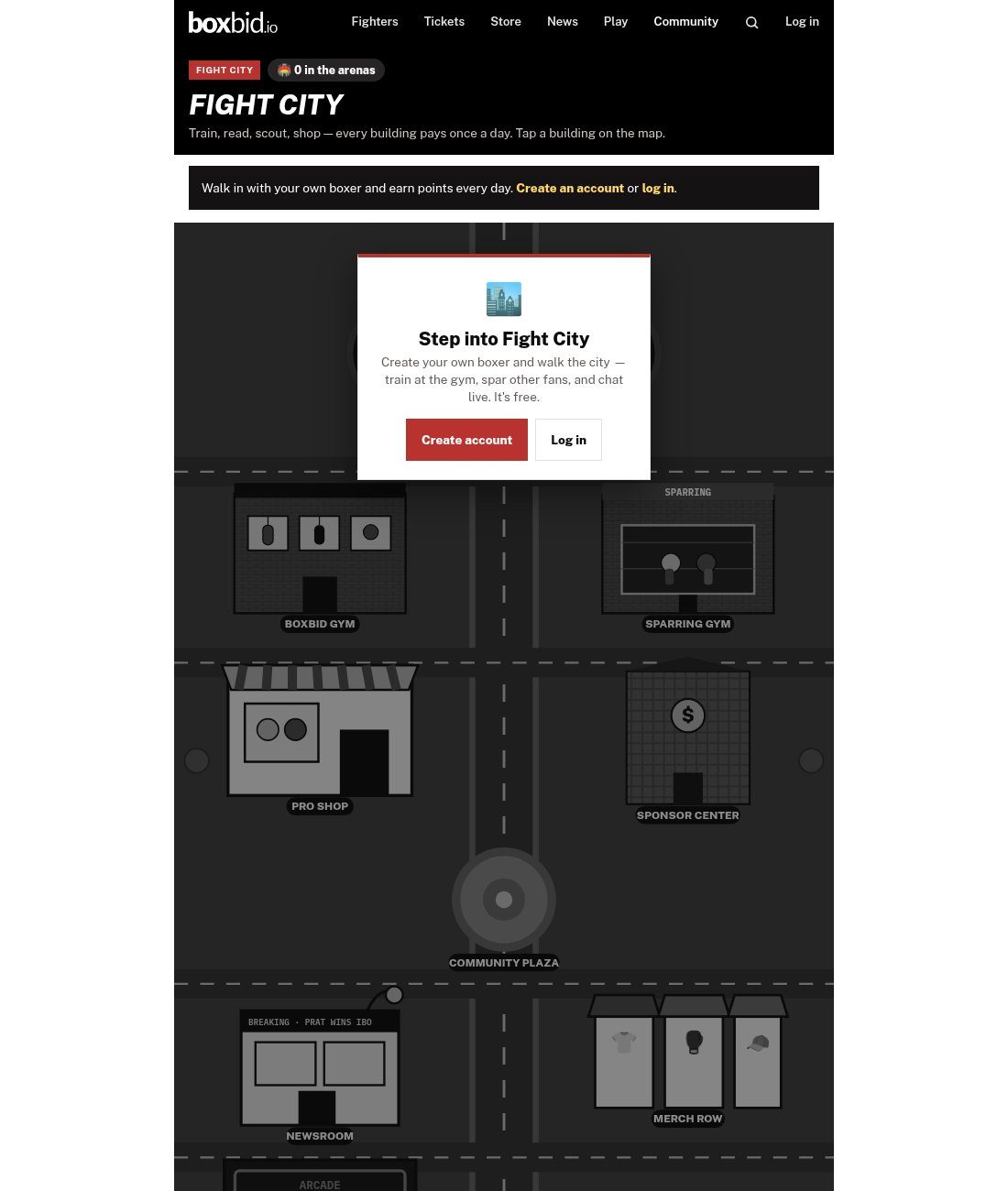
Welcome to Fight City: Walk the Map, Train Daily and Earn Points at Every Building